25:00Focus

 Open Doc
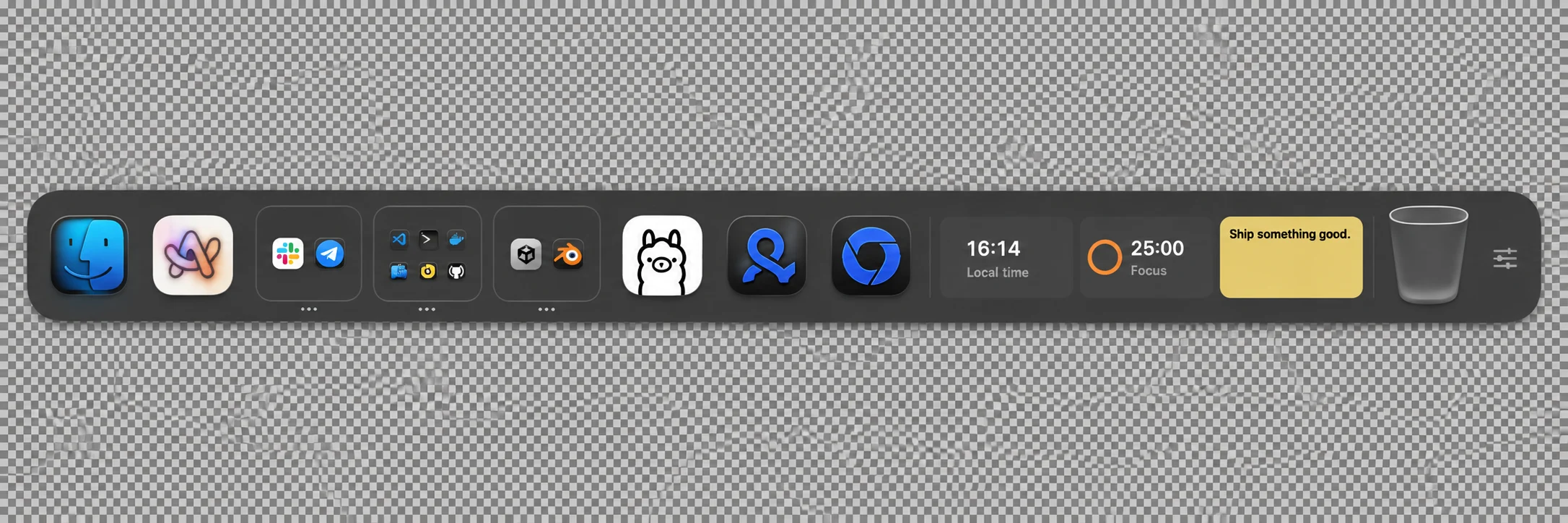
A dock ofyour own.
Apps, folders, and widgets. Right where you need them.
Free and open sourcemacOS 14+

Keep related apps together.
A place for
every app.
Group your apps. Keep separate docks for work, personal projects, and everything in between.
Read guideFits your screen.
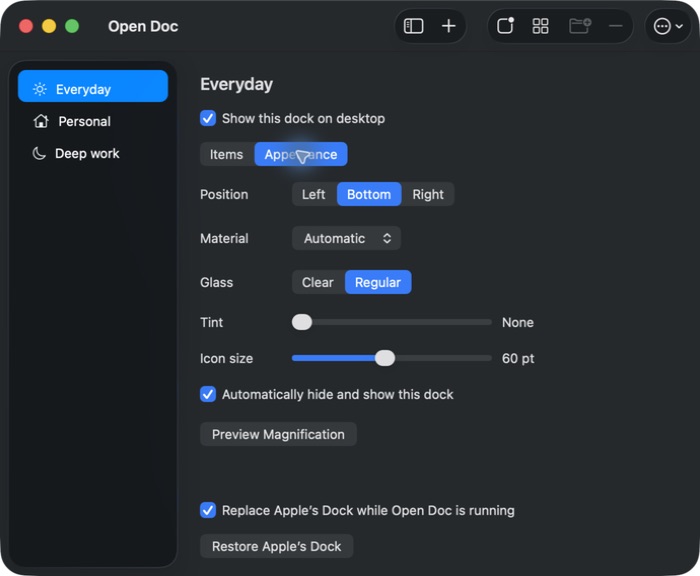
Follows your taste.
Ask for it.
Add it to your dock.
Read the agent guide“Add a focus timer and a note for today.”
opendoc schemaYour agent can discover commands, validate edits, and update widgets.
Launch Open Doc from Applications to install the CLI.
Make it your dock.
Free. Open source. Built for macOS.
Download for MacmacOS 14+ · Apple silicon & IntelWhat happens to Apple’s Dock?
Open Doc imports your pinned apps and hides Apple’s Dock on first launch. Quit Open Doc or choose Restore Apple’s Dock to bring it back. Your original shortcuts stay unchanged.